



Remote desktop
Low latency over a specially optimized protocol. 60 FPS video at 4K resolution; light on system resources, so it also runs on older hardware.

CMDesk brings remote desktop access, SSH server management and mass software deployment together in one panel. Built for centralized IT operations.
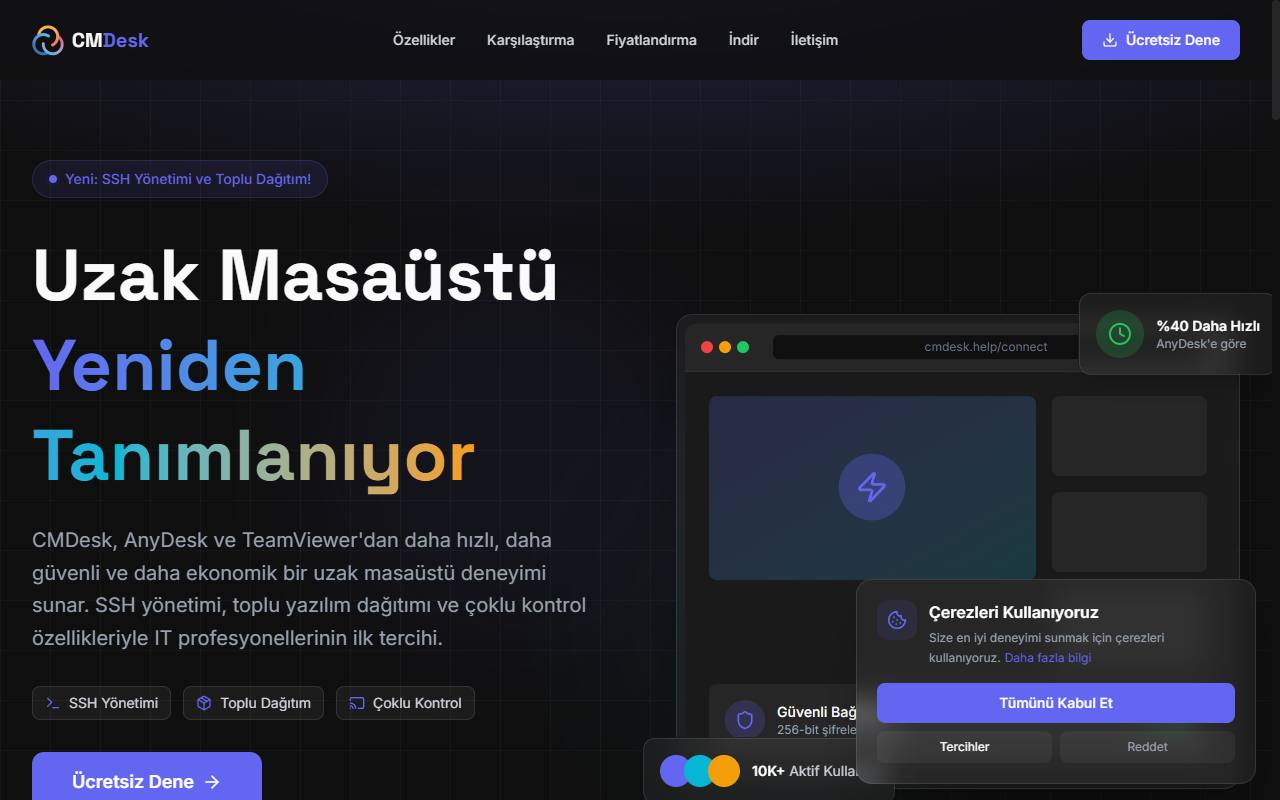
CMDesk is a remote desktop platform that gathers IT teams’ remote support, server management and software deployment work in a single tool. It supports connecting to multiple devices at once, multiple SSH sessions and parallel software installation.
Low latency over a specially optimized protocol. 60 FPS video at 4K resolution; light on system resources, so it also runs on older hardware.
Multiple SSH servers managed from a single panel. A real SSH session with xterm terminal support; with multi-SSH, a command can be broadcast to all servers at once.
Installation on multiple devices at the same time. Parallel deployment with per-device progress tracking, so you can see where an installation is stuck.
Connect to multiple remote desktops at once. With a single control, all devices move in sync; there is no need to repeat the same operation on ten machines.
Connections encrypted with 256-bit AES. Session content is protected throughout transmission.
Included as standard, not tied to an add-on package. A password alone is not a sufficient boundary.
Who connected to which device and when is recorded. This is the basis for any post-incident investigation.
Let’s evaluate the user structure, integration needs and, if any, options to adapt it to your brand.
It runs on Windows, macOS and Linux, and there is also a mobile app. Because it is designed to use few system resources, it also runs smoothly on older hardware.
According to CMDesk’s own published measurements, latency is under 15 milliseconds and video is 60 FPS at 4K resolution. The real difference is in scope: SSH server management and mass software deployment are added alongside the remote desktop, which require separate tools in the other two products. These figures have not been measured independently.
With multi-control you can connect to multiple remote desktops at once and move them all in sync with a single control. With multi-SSH you can also connect to multiple servers simultaneously and broadcast a command to all of them at the same time.
Connections are encrypted end to end with 256-bit AES, and two-factor authentication is included as standard. Who connected to which device and when is logged. This is the core issue in remote access, because whoever connects gains the same privileges as the person sitting at that device.
Installation is started on multiple devices at once. Deployment runs in parallel and progress is tracked separately for each device, so it is visible on which machine the installation is stuck.